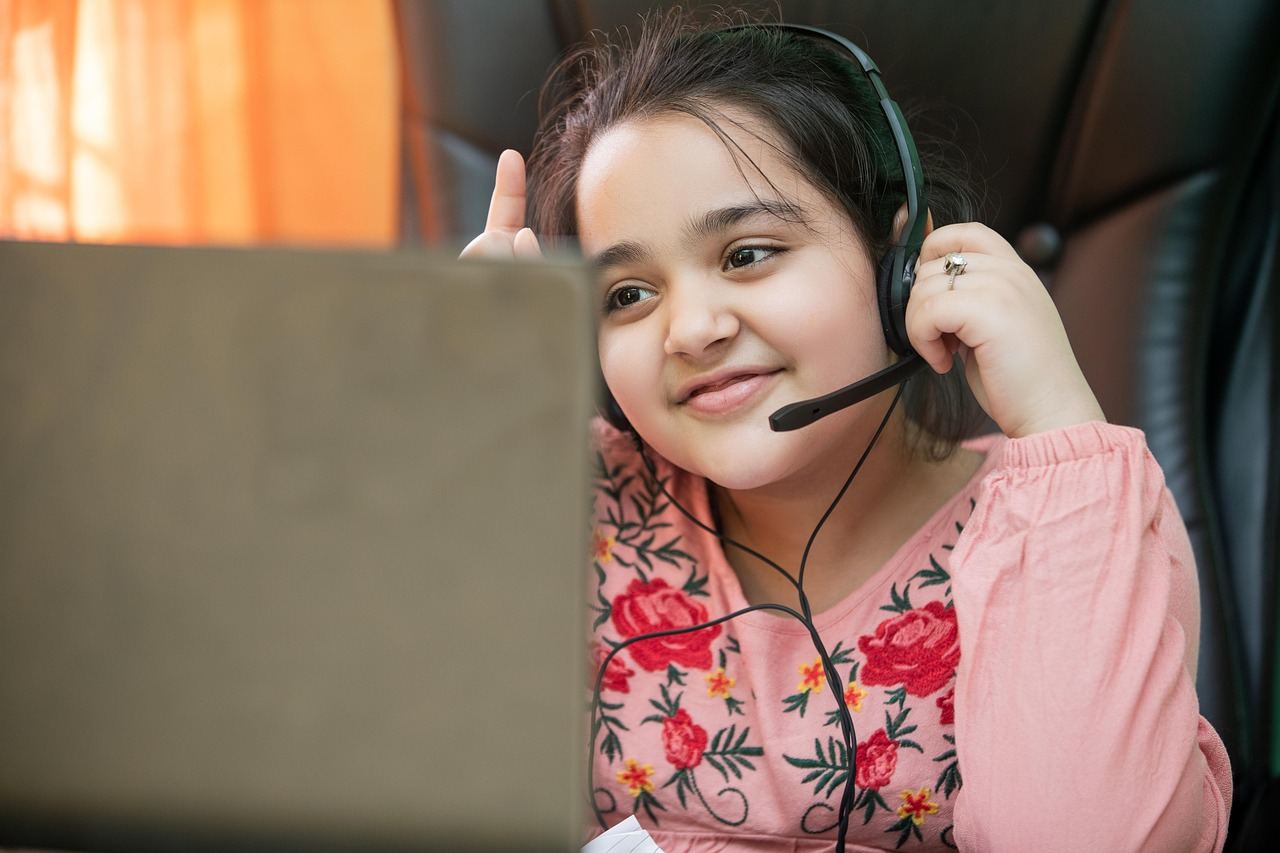
A Gergasi class is a small group lesson on video with a real teacher. It is not a recorded video you watch alone: the teacher sees who is there, asks the class questions, and every student answers on their own screen. Classes run in the browser on a phone, tablet or computer.
Levels and subjects
Classes are grouped by level, so the questions always fit what you are studying:
| Level | Who it is for |
|---|---|
| Darjah 1-6 | Primary school (KSSR) |
| Tingkatan 1-5 | Secondary school (KSSM), including SPM subjects |
| Tingkatan 6 | STPM |
| Diploma and Degree | General, Engineering, Business, Accountancy, Medicine & Health, Nursing, Pharmacy, Computing & IT, Law |
| Kursus Terbuka | Open courses for anyone, such as coding, 3D and Unreal Engine |
When you sign up you choose your level. You can see and book every class at your level from any teacher. You can also enrol with a teacher you like, which opens their classes at other levels and tells you when they add a new one.
Booking a class
- Buy credits in Wallet. You pay with FPX online banking, e-wallets or a card, and any processing fee is shown before you pay. Credits never expire.
- Pick a class in Classes and press Book. The price is set by the teacher and shown on the class card.
- The price is held, not charged. It is only taken after you attend. You can cancel up to 15 minutes before the start and get the held credits back in full. If the teacher cancels, they come straight back to you.
During the class
Press Join on the class card a few minutes before the start. Inside the class you see and hear the teacher, and the teacher can:
- Push a question to everyone at once: multiple choice, true or false, fill in the blanks, matching, drag and drop, and handwritten answers on your screen.
- Mark it on the spot. Answers are checked on our server, so the teacher sees straight away who got it right and who needs help.
- Show the ranking. Points from class questions, Power Congak rounds, science labs and coding tasks add up to a live class ranking.
- Run a Power Congak round, open a science lab or a coding lesson for the whole class, or share a 3D model.
- Draw on the board to work through a question step by step.
After the class
Practise the same chapter in Exercise. You can leave one review for each class you attended.
Safety
- Recording, screenshots and photos of classes are not allowed for anyone.
- Every class has a Safety button that alerts our team immediately.
- Teachers can remove a student who disrupts the class.
- Students under 18 need a parent or guardian to agree to our Terms. Parents can follow their child's classes with their own login, once the child allows it.
What you need
A phone, tablet or computer with a camera and microphone, a recent browser (Chrome, Safari, Edge or Firefox) and a stable internet connection. There is nothing to install.